Give customers the basics.
Your hours, what you offer, photos, and a clear way to reach you—all easy to read on a phone.

Customers should be able to find what they need and reach you without a struggle. Your website should make that simple for them and manageable for you.
Tell me about your businessNeed something beyond a website? ↓Your hours, what you offer, photos, and a clear way to reach you—all easy to read on a phone.
Keep useful words, photos, and links. The replacement is prepared before we switch your website address.
A quote form can collect the details you need, with photos or drawings if they’re part of the agreed setup.
Keep menus, photos, or bookings current, with editing tools and a walkthrough agreed for the jobs you need.
If you keep copying the same information between lists or calendars, a tool built around the job may help.
Know what’s included after launch, how updates will work, and what keeping the site online will cost.
Bookings, customer accounts, or a job your team does every day: a useful tool starts with how the work needs to happen.
Custom tools have their own quote. We agree on the work, price, and timing first.
Let customers or members sign in, see their own information, or share photos and updates. We decide who can see what and who reviews anything people add.
Give your team a place to manage bookings, change menus, or add photos. Each person gets access to the parts they need for their job.
Some projects need maps, reminders, or an app people can add to their phone. We’ll look at what will work on the devices people use and explain any extra costs.
Here are two examples of what that can look like.
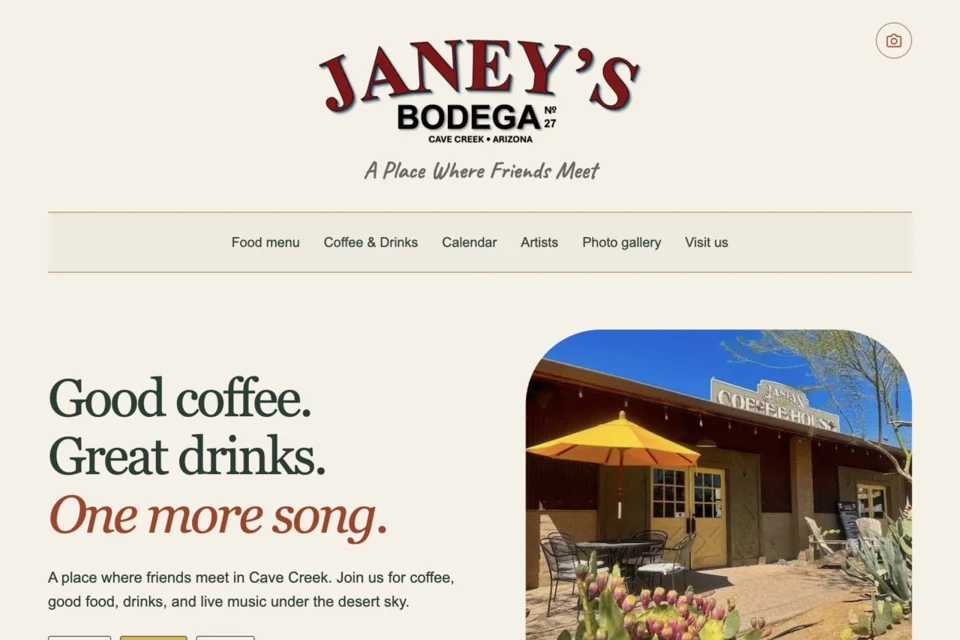
Client project · Calendar & staff tools
A busy coffee house needs current music listings, menus, and bookings. The website gives staff tools for keeping those everyday details up to date.
See Janey’s website & staff tools →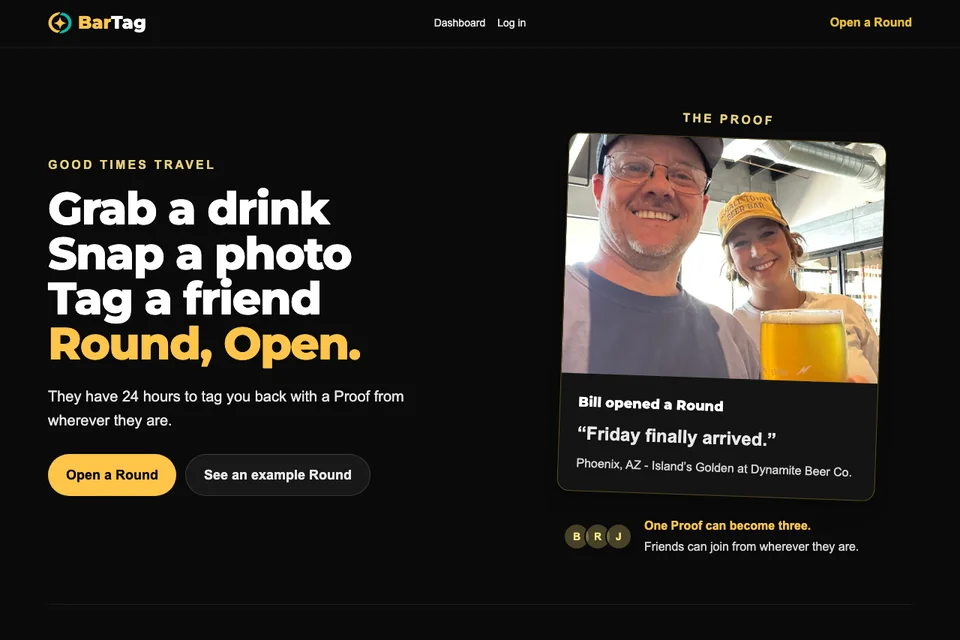
Independent project · Social web app
Friends should be able to play across different phones. I rebuilt my own Android game for the web, around shared photo stories and real-world places.
Explore the BarTag app rebuild →Send your website address and a few examples of what needs to work better. Include a budget or date if you have one.
We’ll agree on who will use it, what needs to move, the work, price, timing, and when you’ll review it.
We’ll also discuss keeping it running after launch. Hosting, other paid services, maintenance, and future changes have their own agreed costs.
A few clear pages and a useful contact form can be a good starting point.
An older website rebuilt with details of the shop’s work, project photos, and a quote form that accepts drawings.
Explore the machining website rebuild →A focused Wix cleanup for a singer-songwriter, with clearer mobile pages, corrected show times, and consistent branding.
Explore the musician website cleanup →A contractor website with service pages, an estimate form, and a gallery staff can manage.
Explore the contractor website and gallery →The standard website packages are $400 USD for Basics, $600 for Standard, and $1,500 for Premium. The Services page shows the page limits, features, and rounds of changes included in each one.
Premium includes articles you can publish, a photo gallery you can update, and training to use the editor. Customer sign-ins, custom calendars, booking systems, and tools for your team have their own quote. So do Shopify projects and more involved moves from an old website.
Keeping the site online and registering your website address cost extra. We’ll explain those costs and any other paid services, and agree on the work and timing before you pay. Compare the website packages →
Have an idea that needs more? See the custom website and app examples above.
That’s fine. Tell me what customers need to find or do, and what would make the work easier for you. I’ll explain the options and which parts fit a standard package or need a separate quote.
Yes, a rebuild can keep your address and bring across useful content and photos. We review important old links and plan how to send visitors to the right new pages.
That depends on what we build. Premium includes articles, a photo gallery you can update, and editor training. Other editing tools are agreed separately. For a simpler site, you can ask me for changes and we’ll agree on the cost first.
Tell me what’s getting in the way. A few examples from your day are enough to start.
Tell me about your businessOr email hello@wannawow.com.